Play Sokoban online for free
Push every barrel onto a target. Explore 100+ Sokoban levels, learn with hints and solution replays, or challenge a friend. Play in your browser—no download.
Push every barrel onto a square.
0/4 barrels placed
Choose your run
Three ways to play
Practice freely, take the shared daily test, or send a hidden-board challenge to a friend.
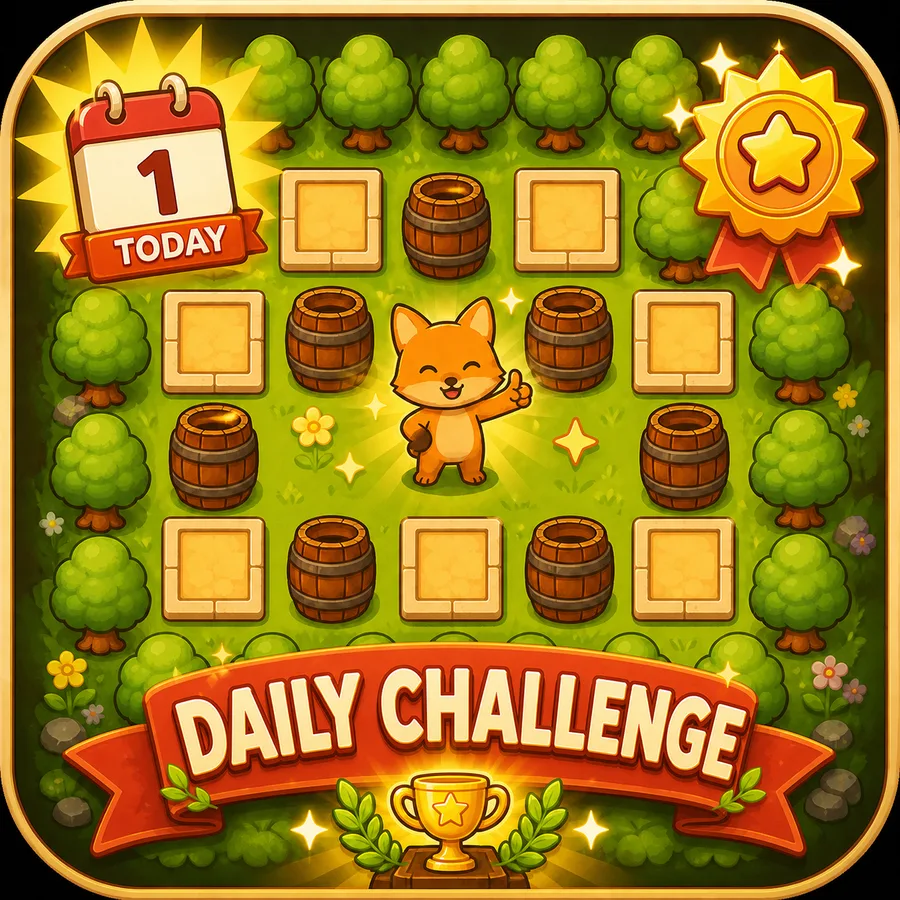
DAILY CHALLENGE
Reveal the same hidden board as everyone else, then compare your cleanest result.
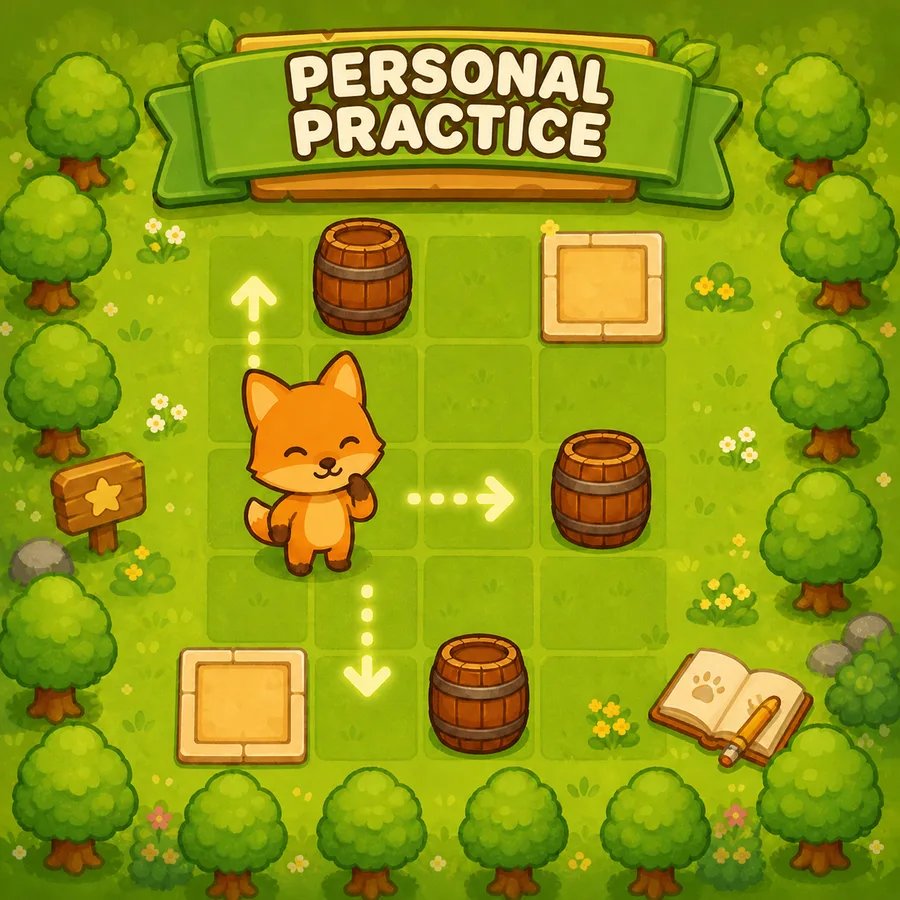
PERSONAL PRACTICE
Learn with hands-on lessons, find a level that suits you, and use Undo or Hint when you get stuck.
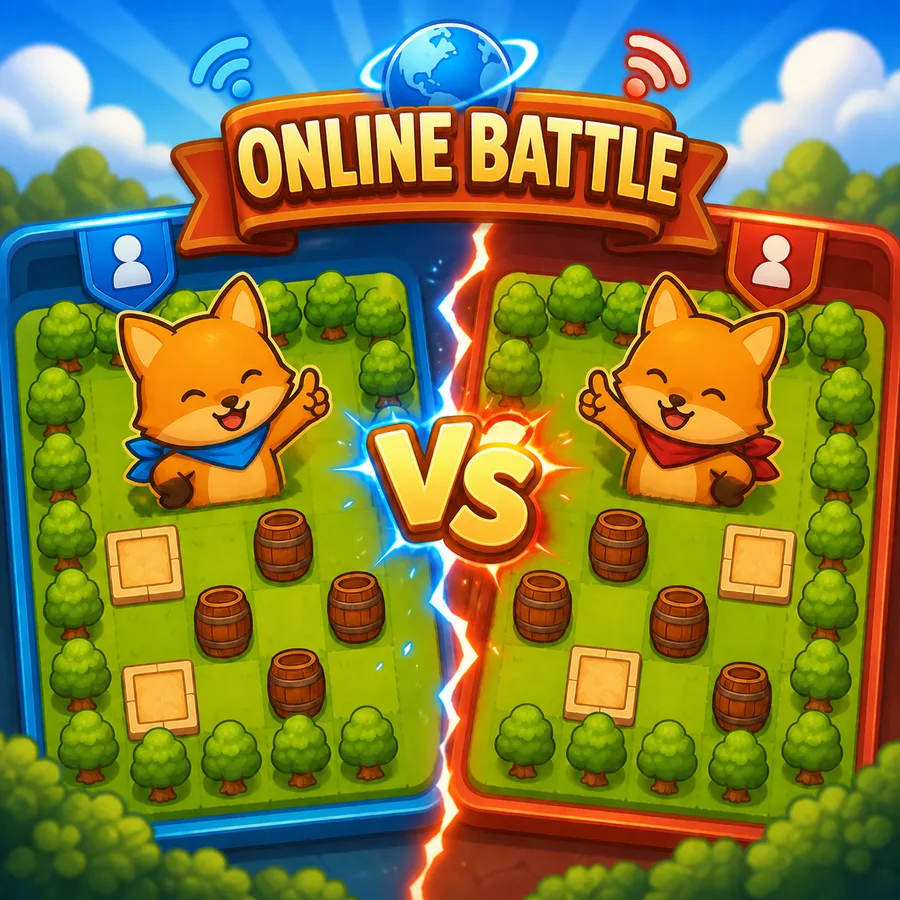
ONLINE BATTLE
Invite a friend and race the same random hidden board—neither player gets an early look.
Sokoban levels, rules, and solutions
Sokoban is a box-pushing puzzle: you can push a barrel, but you cannot pull it. Plan where you will stand for the next push. Browse boards by estimated difficulty, learn to avoid corner traps, or reveal a hint in one of our 10 illustrated level guides.
Before you push
Q&A
A quick guide to what makes Puzzle Push easy to start, deep to master, and better with every cleared board.
Is Puzzle Push free to play?
Yes. Play free in your browser with no download. Personal Practice and the beginner lessons need no sign-in. Use a nickname or Google profile for official Daily Challenge rankings and Online Battle.
What play modes are available?
You can practice the level collection, take on a Daily Challenge with rankings, race in asynchronous Online Battle, and review your records afterward.
Where should I start if I am new to Sokoban?
Choose Learn to play on the home page or Learn basics in Practice. Three hands-on lessons teach pushing, corner traps and undo, and leaving room for the next barrel. Then use Levels to find a Starter board. Difficulty is estimated; level numbers are not a difficulty order.
What can I do when I get stuck?
In Practice, Undo takes back a move and Hint suggests one next move from your current board. Solution restarts the level and demonstrates a complete route. Hints have search limits and do not promise the shortest route. These learning tools are available in Practice, while official Daily Challenge and Battle runs use your own moves.
How are my practice records saved?
Manual practice clears are saved in this browser. With a profile, new clears also sync automatically and can retry after a connection problem. Use Import browser records to add unsigned or older clears to your profile. Sign in with the same Google account to access synced records on another device; reusing a nickname does not recover a guest profile.
Why is the board hidden before a run?
Daily Challenge and Online Battle hide the board until you press Start, when the official timer begins. Practice lets you study the board freely. Returning to an unfinished official attempt resumes its original timer rather than giving you a fresh start.
Can I continue a daily run or battle after refreshing?
Yes. Use Resume in the same browser while the attempt is still active and its saved moves are available. Your board and moves are restored, and time keeps counting from the original start. Finished official attempts cannot be restarted; afterward you can study the same board in Practice, once the whole battle has ended.